Help Center Banks and accounts
Connect or reconnect your bank
Connect a bank in Settings → Connections, then use Reconnect or Sync when it stops updating.
Updated
Connect a bank
Treasury connects to your bank through Plaid. It can read your balances and transactions, but it can’t move money or pay bills.
- In Settings → Connections, select New Connection. If you have no banks yet, select Connect account.
- In Connect Bank Account, keep United States selected.
- Drag Transaction History to choose how far back to import, from 1 week to 2 years. Then select Continue.
- Sign in to your bank in the Plaid window and choose the accounts to share.
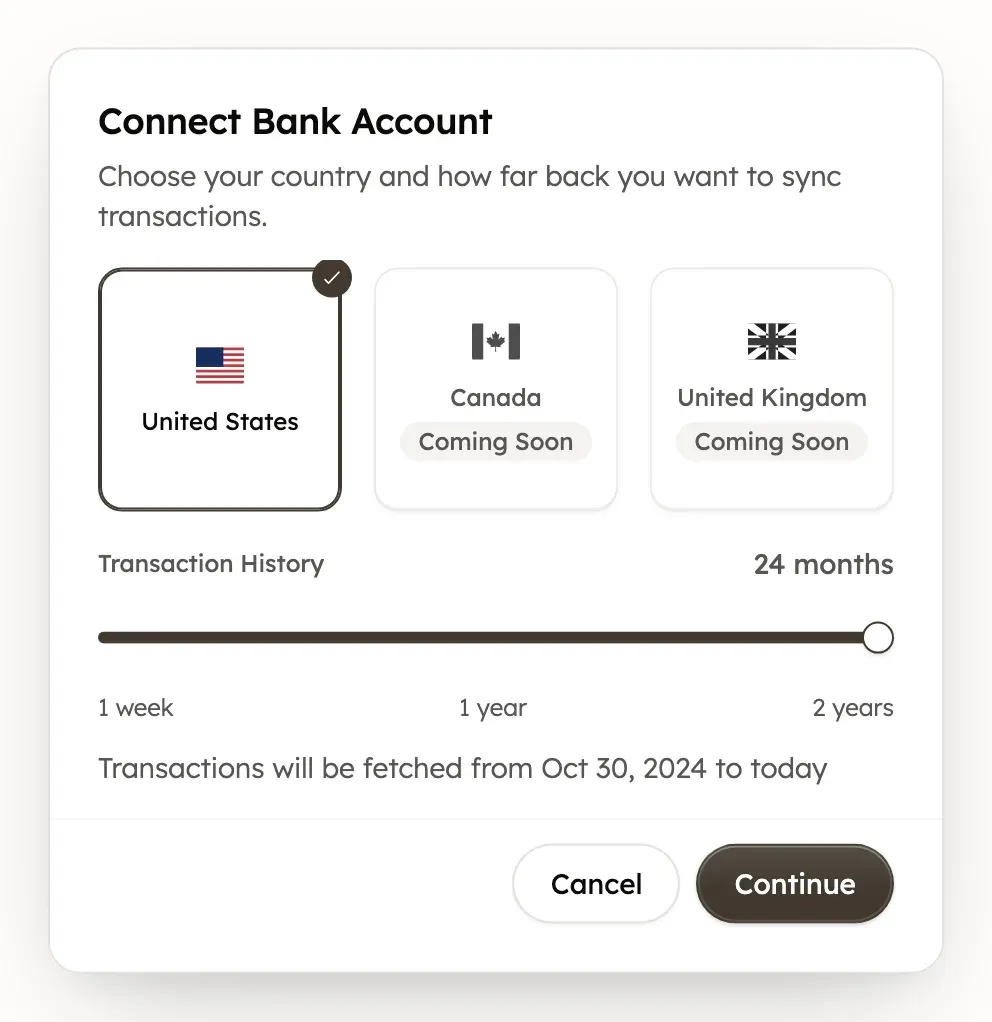
Treasury connects to banks in the United States. Canada and the United Kingdom show as Coming Soon. Your bank decides how much history it shares, so you may get less than you chose.
If your bank shows Action Required
A bank shows Action Required in Settings → Connections when it needs you to sign in again. This often happens after you change your bank password.
- In Settings → Connections, find the bank and open its ⋯ menu.
- Select Reconnect.
- Sign in to your bank in the Plaid window.
Reconnecting keeps the bank’s accounts and history. Try it before you disconnect anything.
If new transactions are missing
Each bank in Settings → Connections shows when it last updated, such as “20m ago”.
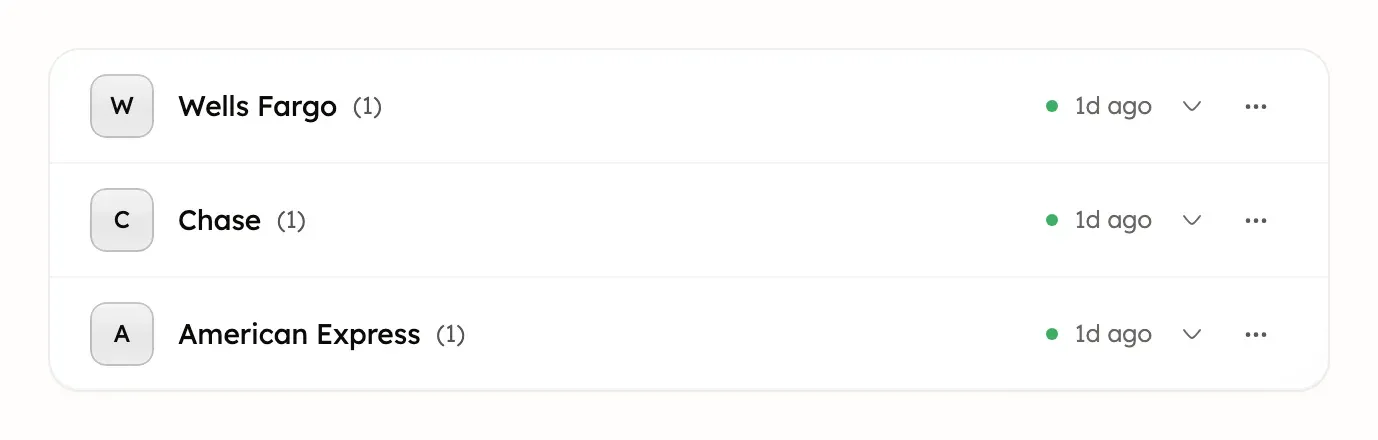
To ask a bank for new transactions now:
- In Settings → Connections, open the bank’s ⋯ menu.
- Select Sync. On a computer, Treasury shows Sync queued, then ”[Bank] synced” when new data arrives.
A sync only brings in what your bank has shared, so a purchase can take longer to appear. If the bank shows Action Required, reconnect it instead of syncing.
Disconnect a bank
To stop Treasury syncing a bank, open its ⋯ menu in Settings → Connections and select Disconnect. Then choose what happens to its data:
- Convert to manual accounts keeps all of the bank’s transaction history. The accounts stop syncing, and you can keep adding transactions yourself.
- Delete all data removes the bank’s accounts, transactions and recurring payments.
Delete all data is permanent and can’t be undone.
Get help with a bank connection
If a bank won’t connect, find the message you see in Fix bank connection problems. If that doesn’t help, describe the problem in Help & feedback, at the bottom of the sidebar or in Settings on a phone. You can also email support@treasury.sh. See What never to send.
Was this helpful?
Related guides
Questions about your own money?
Treasury AI can look through your accounts, budgets and transactions and answer in plain language. Something not working? Email support@treasury.sh.