Help Center Account and billing
Delete your account
Delete your account in Settings → Account, which permanently removes your data and cancels a subscription you pay for on the web.
Updated
Delete your account in Settings
Deleting your Treasury account is permanent. You can’t undo it, and Treasury can’t recover your data afterwards.
- Open Settings → Account and scroll to Delete Account at the bottom.
- Select Delete Account.
- Type delete in the box to confirm, then select Delete Account.
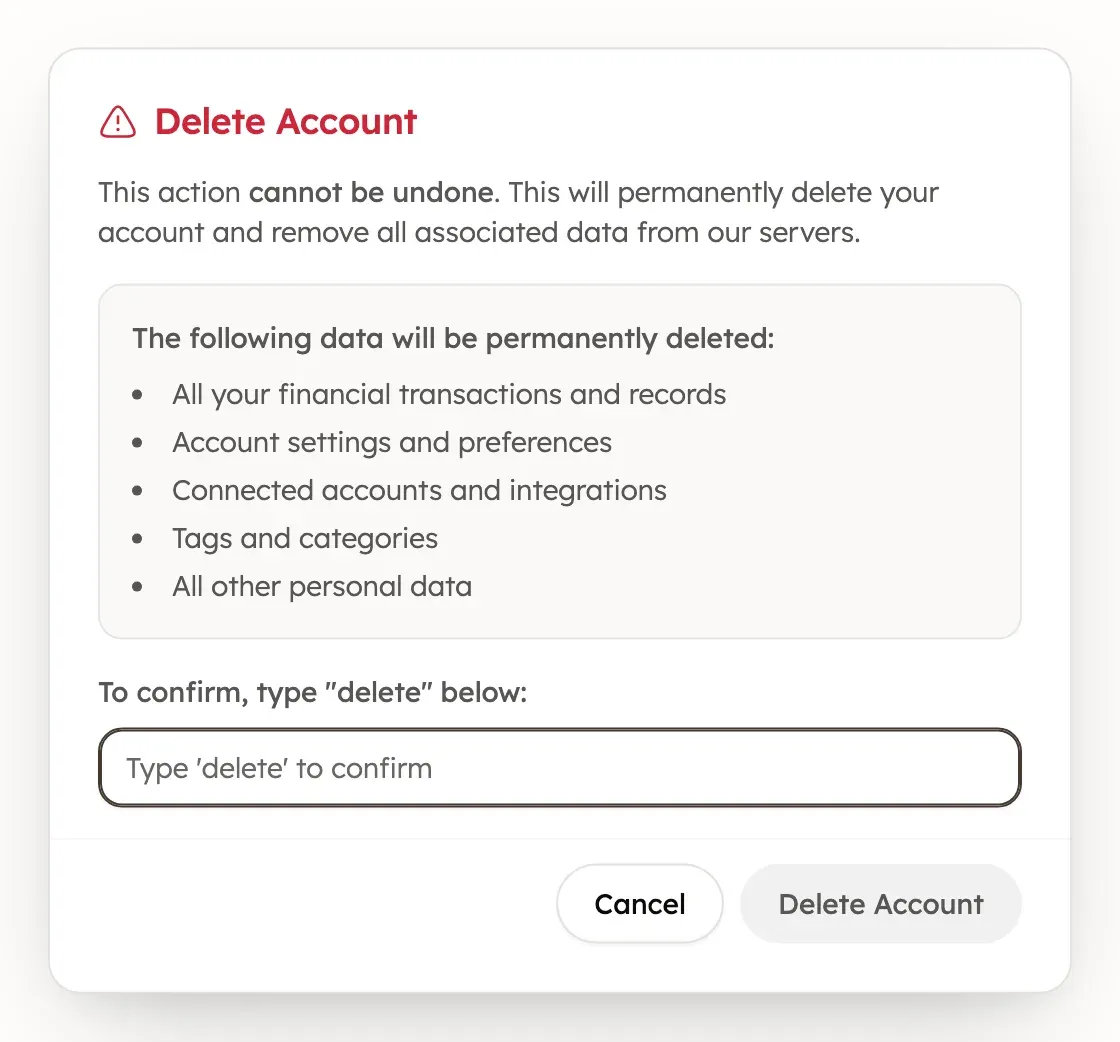
What deleting your account removes
Deleting your account permanently removes your transactions and records, settings and preferences, connected accounts, tags and categories, and all other personal data. Treasury also asks Plaid to end its access to your banks.
What happens to your subscription
If you pay for Treasury on the web, deleting your account cancels your subscription.
If you subscribed through the App Store on iPhone, deleting your account doesn’t cancel that subscription. Cancel it in your iPhone’s Settings → [your name] → Subscriptions.
Keep your account instead
If you only want to stop one bank syncing, keep your account and disconnect that bank instead. Disconnecting can keep the bank’s history as manual accounts.
Was this helpful?
Related guides
Questions about your own money?
Treasury AI can look through your accounts, budgets and transactions and answer in plain language. Something not working? Email support@treasury.sh.